Digitaler Wecker – Elektronischer Tischwecker mit LED-Spiegel – Großes Display – Geräuschlos – Dekoration für Schlaf-/Wohnzimmer – Schwarzes Gehäuse mit farbiger Beleuchtung
Kaufen Sie für Ihr Unternehmen?
Verhandelte Preise exkl. MwSt. bis zu -20%
Das könnte Sie auch interessieren

Monzana Wanduhr Funk Automatische Zeitumstellung Geräuscharm Sekundenzeiger Quarzuhrwerk Analog 31 cm Hohe Genauigkeit Haushalt Funkuhr Uhr Schwarz Weiß
Inkl. MwSt., zzgl. Versand
Monzana Wanduhr Funk Automatische Zeitumstellung Geräuscharm Quarzuhrwerk Analog 31 cm Indoor Funkuhr Uhr Modern Weiß
Inkl. MwSt., zzgl. Versand
Monzana Wanduhr Vintage Quarzuhrwerke Mit Beidseitigem Ziffernblatt Doppelseitige Bahnhofsuhr Schmiedeeisern Retro-Design weiß
Inkl. MwSt., zzgl. Versand

Esschert Design Wandthermometer Braun Gusseisen BR20
Inkl. MwSt., zzgl. Versand
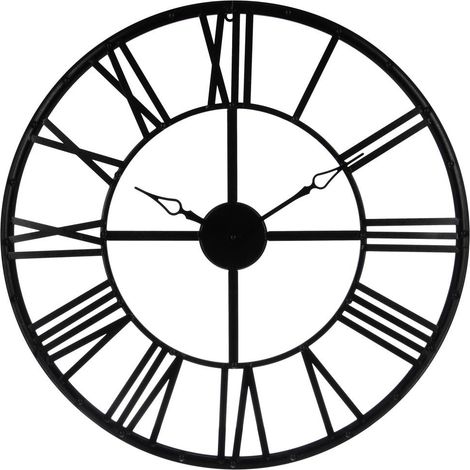

Schwarze Wanduhr Ø 70 cm, moderne Uhr, dekorative Uhr, Metallwanduhr, Wohnuhr
Inkl. MwSt., zzgl. Versand
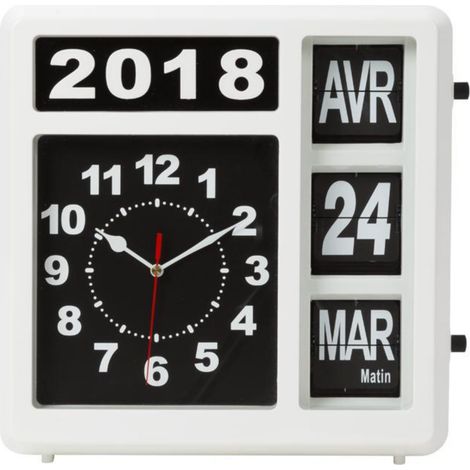

Perel Analoge Kalenderuhr 31×31 cm mit großem Flip-Over-Display, französischem Tag und Datum, leicht ablesbare Uhr für Senioren, Sehbehinderte und Menschen mit Demenz, für Wand oder Tisch
Inkl. MwSt., zzgl. Versand
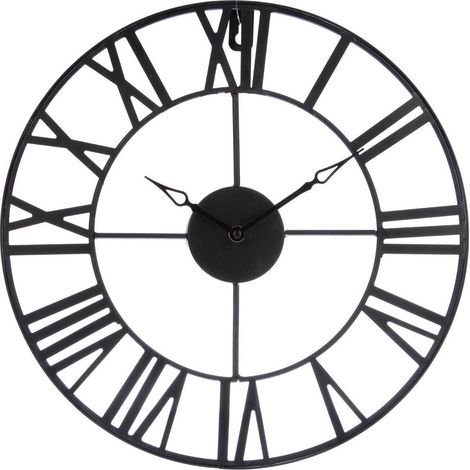
Wanduhr aus Metall VINTAGE, Ø 37 cm, Atmosphera
Inkl. MwSt., zzgl. Versand
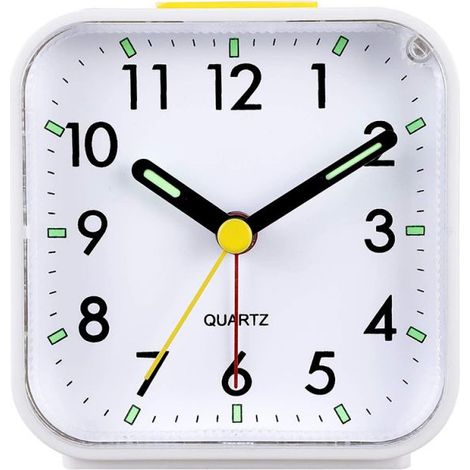

Rnemitery – Lautloser analoger Wecker – Quarzwecker ohne Ticken – Stufenlose Alarmlautstärke – Schlummerfunktion und Nachtlicht – Weißer ABS-Kunststoff
Inkl. MwSt., zzgl. Versand
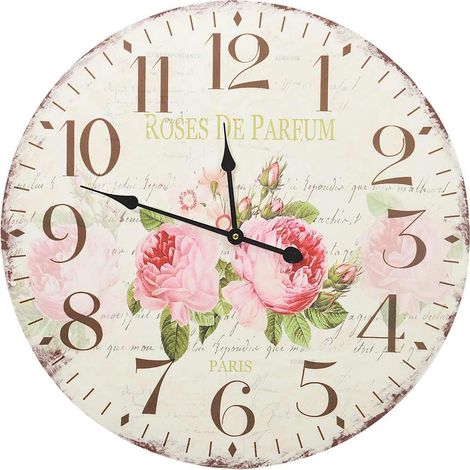

vidaXL Vintage Wall Clock Flower 60 cm
Inkl. MwSt., zzgl. Versand
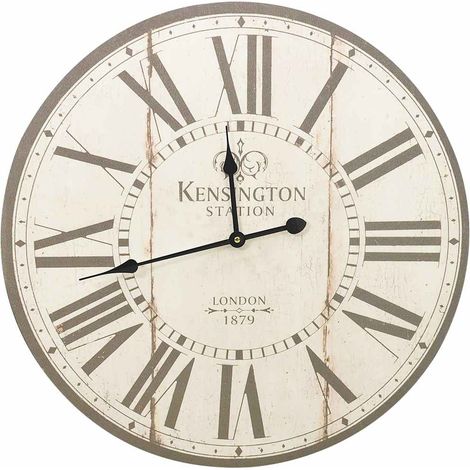
vidaXL Vintage Wall Clock London 60 cm
Inkl. MwSt., zzgl. Versand
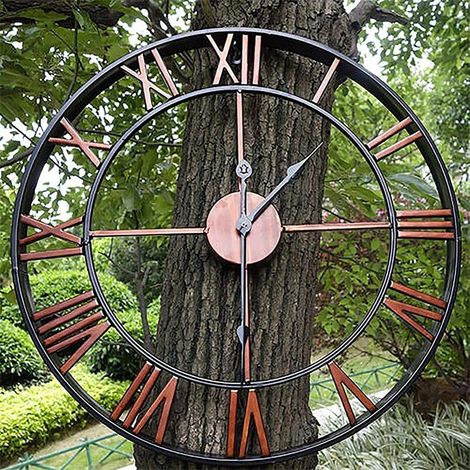
Aougo – Horloge murale de jardin extérieure 40cm – Chiffres romains – Résistante aux intempéries – Mécanisme silencieux – Décoration de jardin
Inkl. MwSt., zzgl. Versand

Gartenuhr für den Außenbereich, Garten-Wanduhr, große römische Ziffer, Gartenuhr für den Außenbereich, Eisenuhr für den Außenbereich, 40 cm
Inkl. MwSt., zzgl. Versand
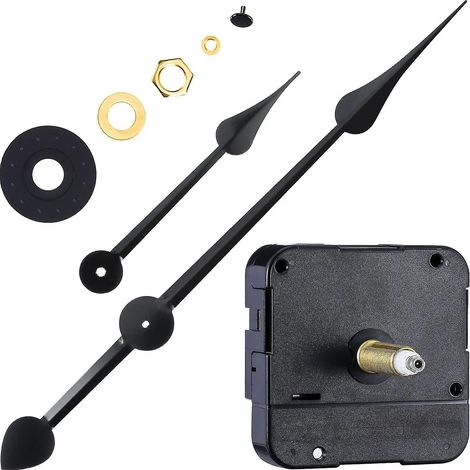

Uhrwerk mit hohem Drehmoment, Uhrmotor, lange Welle mit 7-Zoll-Spatenzeigern
Inkl. MwSt., zzgl. Versand
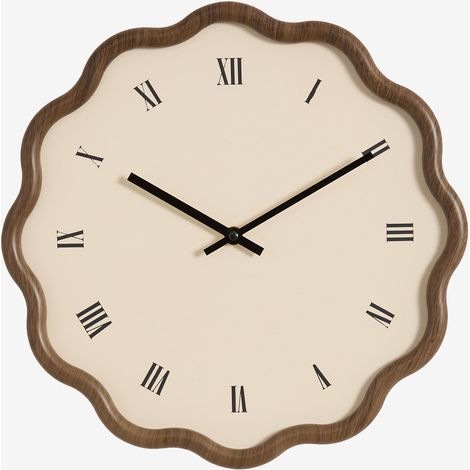

SKLUM Axley Wanduhr Ø35 cm aus MDF Braun Karamel
Inkl. MwSt., zzgl. Versand
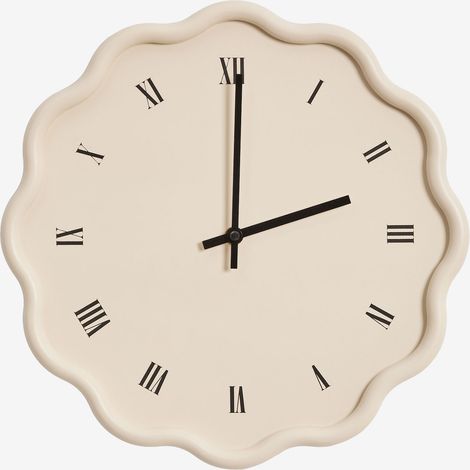
SKLUM Axley Wanduhr Ø35 cm aus MDF Beige Tapioca
Inkl. MwSt., zzgl. Versand
Mit ähnlichen Produkten vergleichen
Produktinformationen
Beschreibung
Eigenschaften
- MarkeNO BRAND
- FarbeSchwarz
- MaterialABS
- StromversorgungKabelgebunden
- AnwendungsgebieteInnen
- AnzeigemodusDigital
- StilModerner Stil
- ManoMano Art.-NrME242152670
- MMID956908775930
- HerstellerreferenzK0467-0826-CJ12819
- EAN6260441937943
'/%3E%3C/svg%3E)
Industrial Style: Ideen für Deko im industriellen Stil
Die Tipps unserer Experten
'/%3E%3C/svg%3E)